Capture on Mac.Fast and handy.

From quick captures to scrolling screenshots and instant annotations.Xnip handles it all, effortlessly.
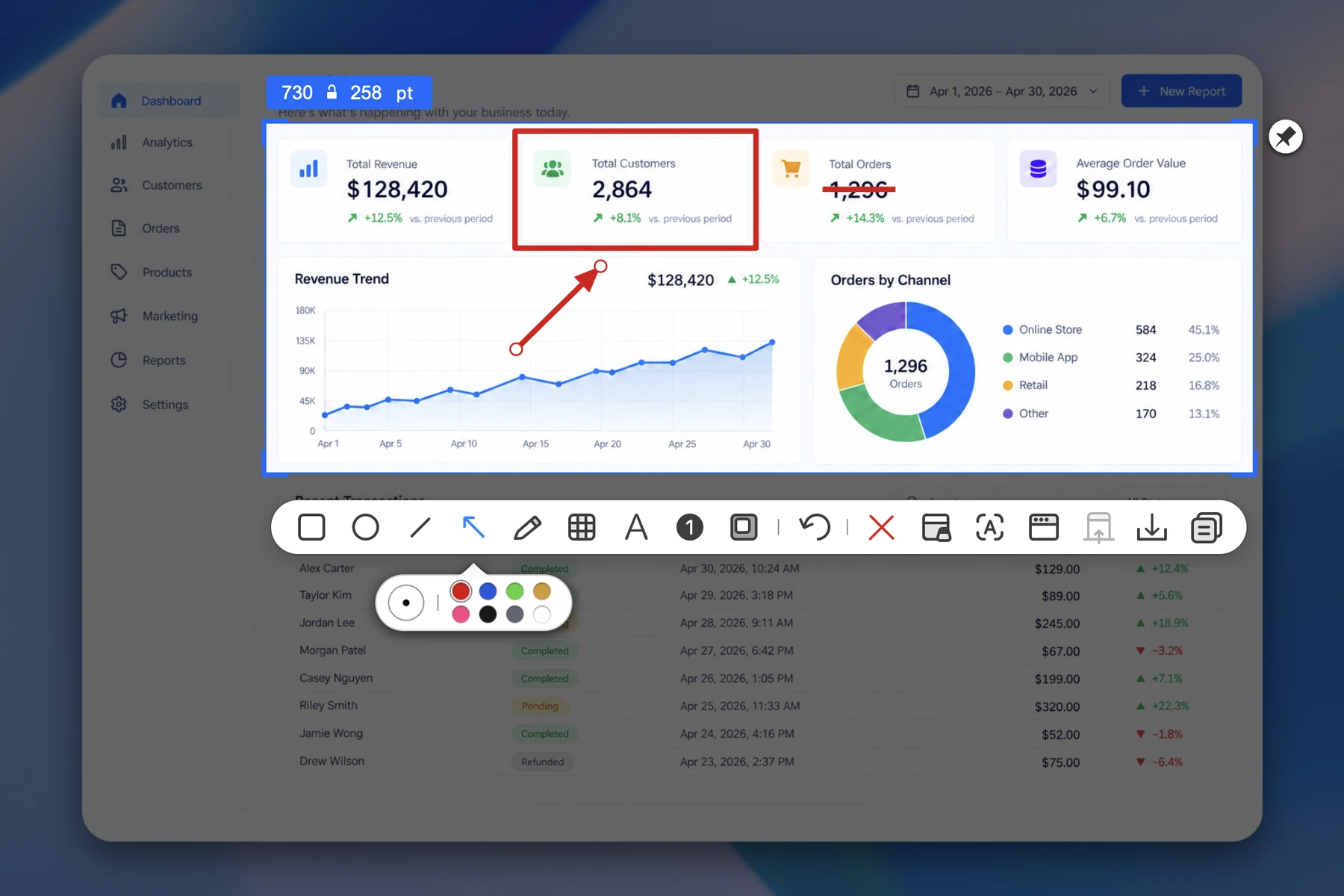

Xnip annotation interface highlighting dashboard data with shapes and an arrow.
Xnip product demonstration showing annotation tools on a dashboard screenshot.

One Shortcut, Capture and Annotate Instantly.

100% Offline

On-device

10 Years on App Store

Scrolling Capture

Capture entire webpages, long conversations, documents, and code in one seamless screenshot, even when the content extends beyond your screen.

  • Capture anything that scrolls
Capture entire webpages, long conversations, documents, and code in one seamless screenshot, even when the content extends beyond your screen.

Window Capture

Capture any window with its natural macOS shadow. Hold Shift to select multiple windows and capture them all at once.

  • Capture multiple windows at once
Capture any window with its natural macOS shadow. Hold Shift to select multiple windows and capture them all at once.

Annotation

Annotate your screenshot the moment you capture it with a rich set of tools. You can even resize the capture area while you work.

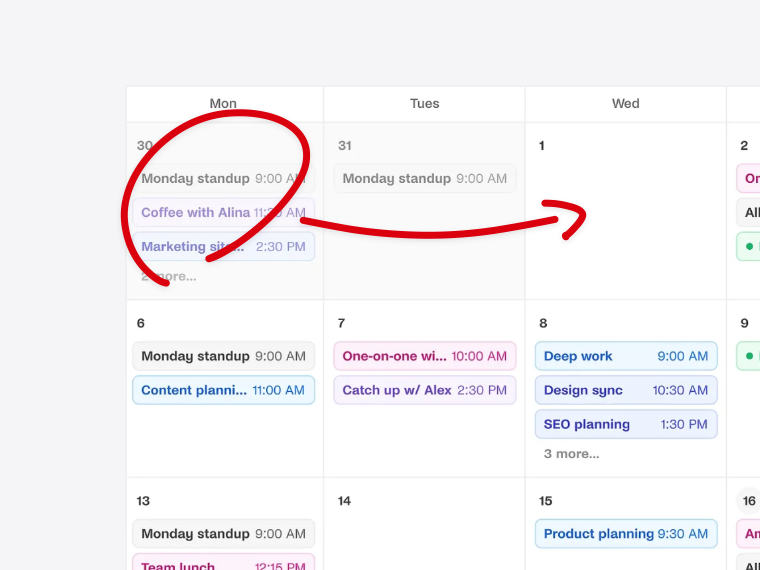
Markup

Project dashboard annotated with a red box, arrow, and Delete label.

Draw

Modern building entrance emphasized with a large red freehand circle.

Pixelate

Simplified fictional ID card with a prominent card number ready to be pixelated.

Steps

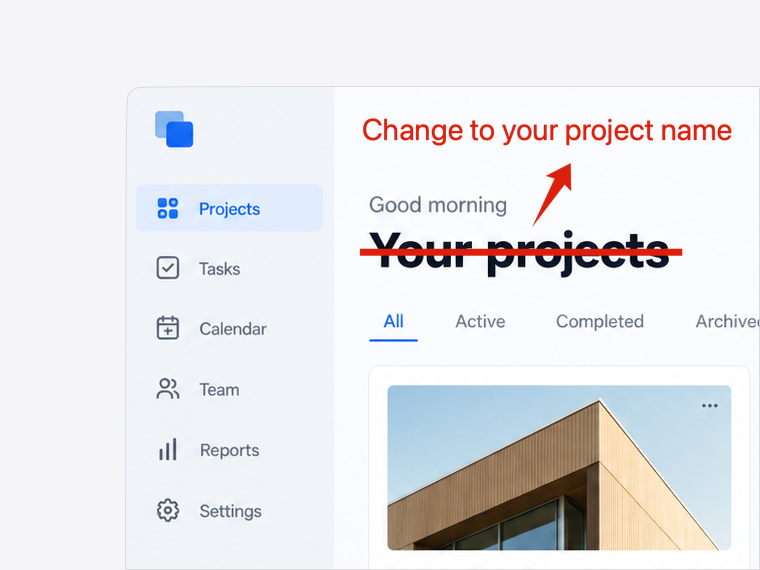
Image annotated with numbered steps that show a sequence of actions.

Highlight

MacBook Air product tile highlighted while the surrounding content is dimmed.

Text Recognition (OCR)

Recognize any text on your screen in seconds, powered by a fast on-device recognition engine.

  • Fast and private first
Recognize any text on your screen in seconds, powered by a fast on-device recognition engine.

Pin Images

Pin images as an always-on-top floating window on your screen.

  • Always keep screenshots on top
Pin images as an always-on-top floating window on your screen.

Try Xnip for Free

Your everyday screenshot tool.